FontROM.
Turn any font into a bitmap font for Arduino, ESP32 and FPGA projects, and copy code that’s ready to compile.
Coming soon to the Mac App StoreSupport
Nine formats
Display libraries
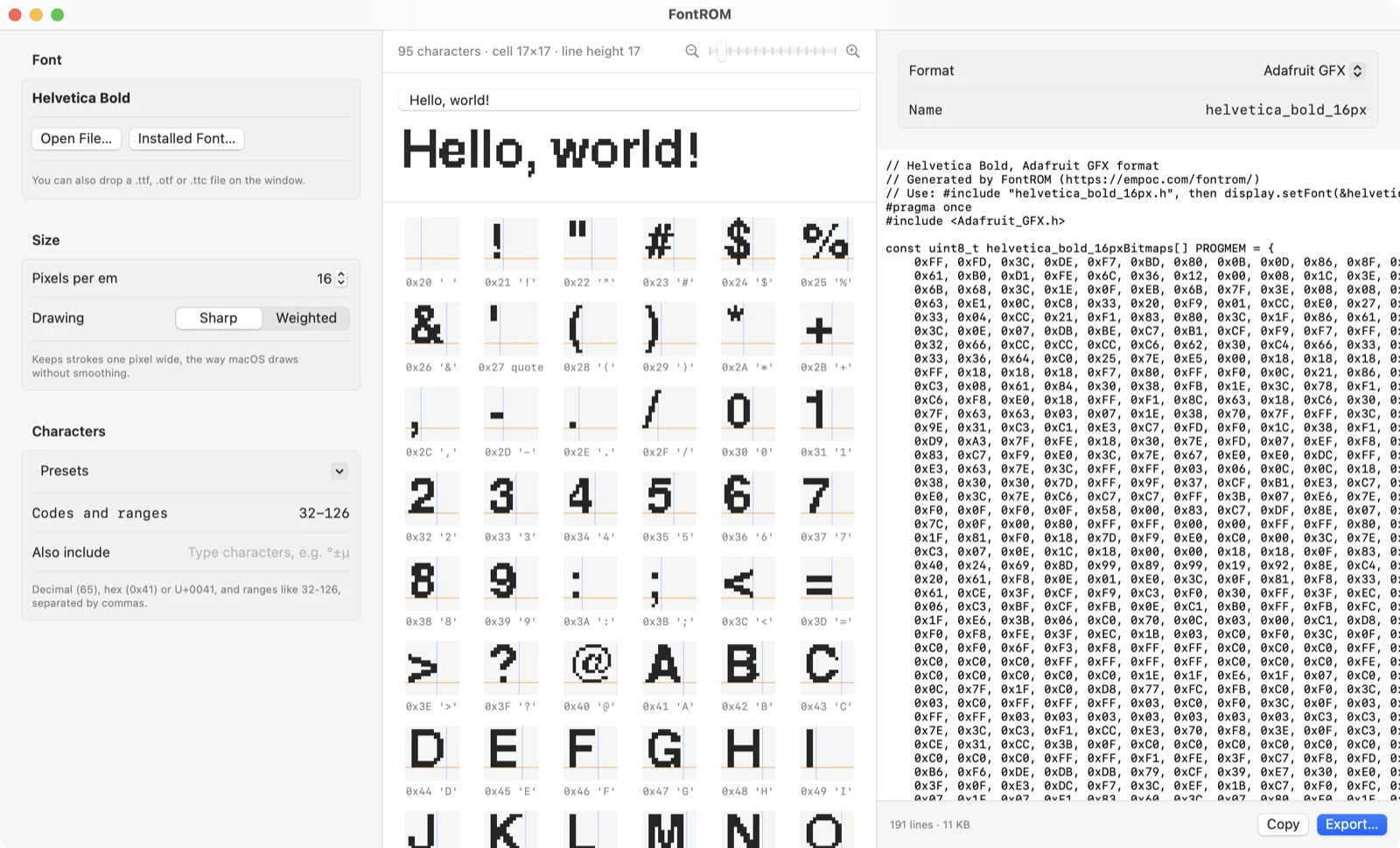
Adafruit GFX for Arduino displays, U8g2 for OLED and LCD screens, and LVGL 8 and 9. Each export includes the line to add to your sketch or project.
FPGAs and memory
Verilog and VHDL ROM modules, with a clocked read for block RAM or a plain lookup, plus .mem files for $readmemh and $readmemb, Xilinx/AMD .coe and Intel .mif.
Fixed-size C array
Every character in the same size cell, laid out by rows or columns, in either bit order, with optional power-of-two padding so the address is simply character and row.
How it works
Pixel fonts, exactly
Open a pixel font and FontROM finds its grid on its own. At that size every pixel is copied exactly, using the same font reader as Glyphwright.
Any other font, any size
Sharp keeps strokes one pixel wide, the way macOS draws without smoothing. Weighted turns on pixels that are mostly covered, with a slider from bolder to lighter.
Just the characters you need
Type codes and ranges like 32-126 or 0xB0, pick a preset, or type the characters themselves, like ° ± µ €. Anything the font doesn't have is listed, not silently dropped.
Good to know
Tested against the real libraries
Every format is checked pixel for pixel by compiling FontROM’s output with U8g2, LVGL 8 and 9, and Adafruit GFX’s own drawing code.
Private by design
FontROM works entirely on your Mac. No account, no analytics, no network connections. See the privacy policy.
Buy once
One purchase on the Mac App Store. No subscription, no in-app purchases, and updates are free.
Questions?
Email us before or after you buy. Include your macOS version, the font, and the format you’re exporting.