Glyphwright.
A font editor for the Mac. Make and fix TrueType fonts, from smooth outlines down to single pixels.
Coming soon to the Mac App StoreSupport
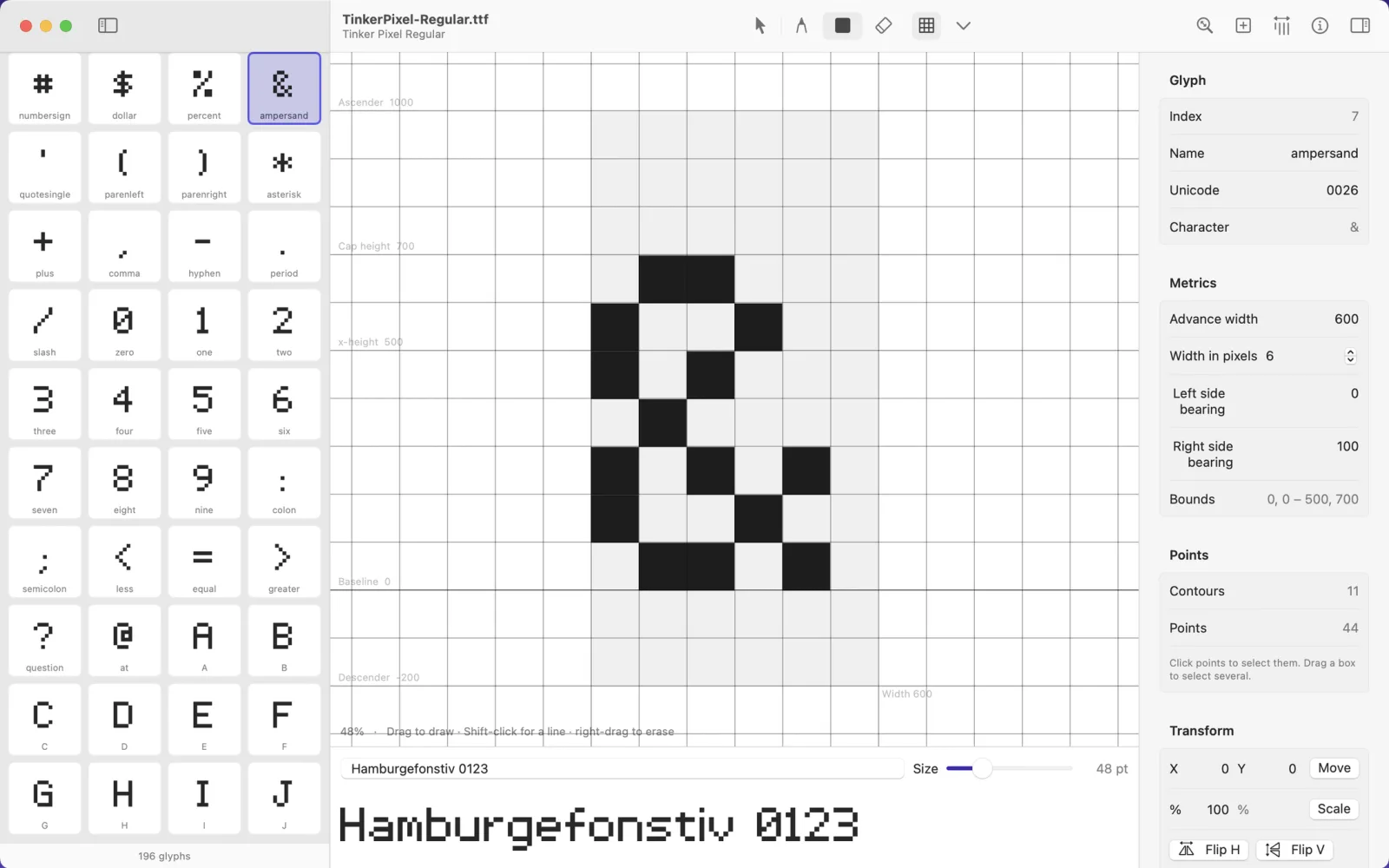
Pixel fonts, pixel by pixel
Open a pixel .ttf and Glyphwright finds its grid on its own. Draw with the pencil, erase with the eraser or a right-drag, Shift-click for straight lines, and nudge the whole letter one pixel at a time with the arrow keys. Your drawing saves as clean, merged outlines, not thousands of tiny squares.
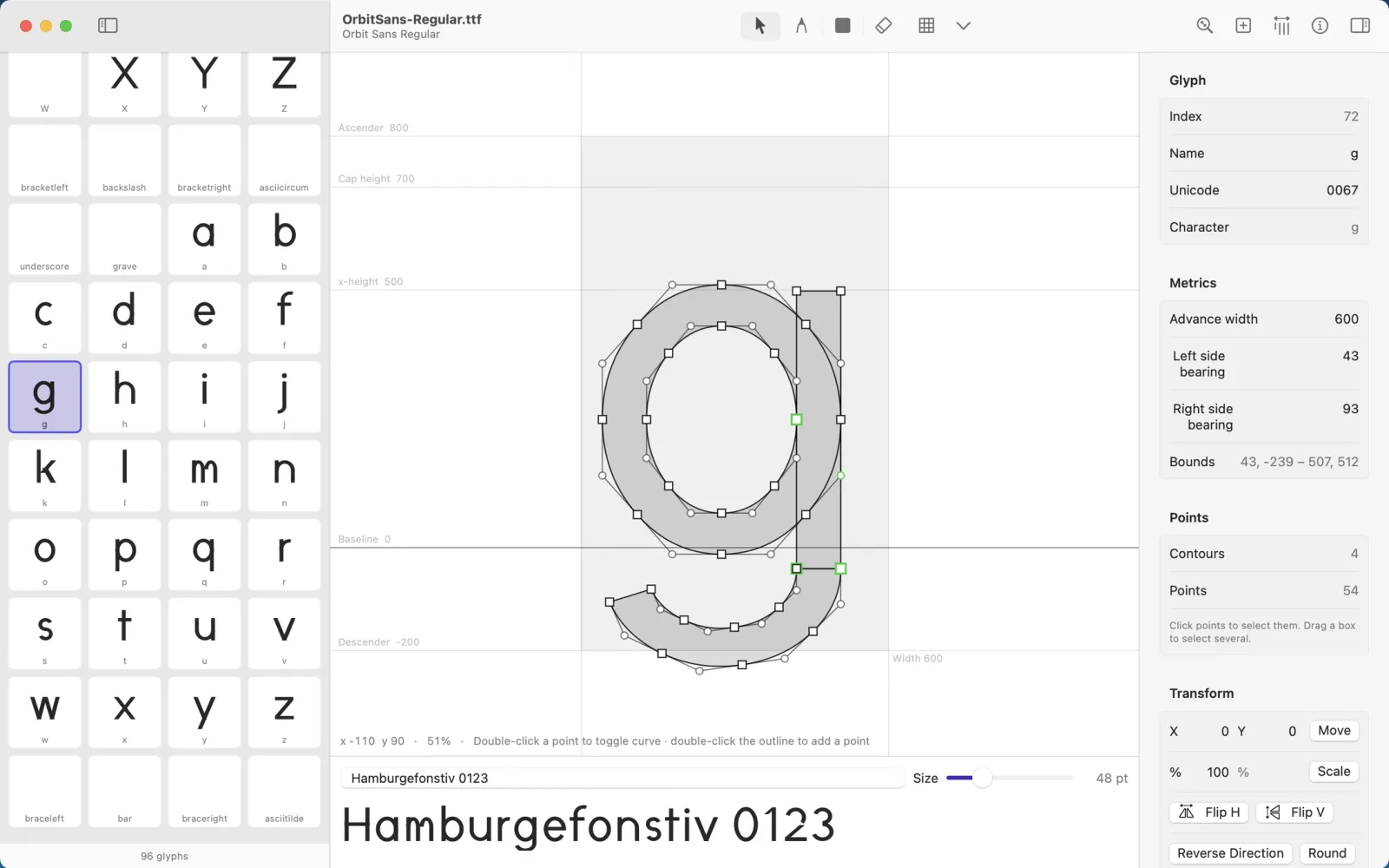
Smooth outlines, precise points
Drag points and curve handles, box-select and nudge, double-click to switch between curve and corner, and draw new shapes with the pen. The inspector shows exact coordinates, and can move, scale, flip, round and decompose.
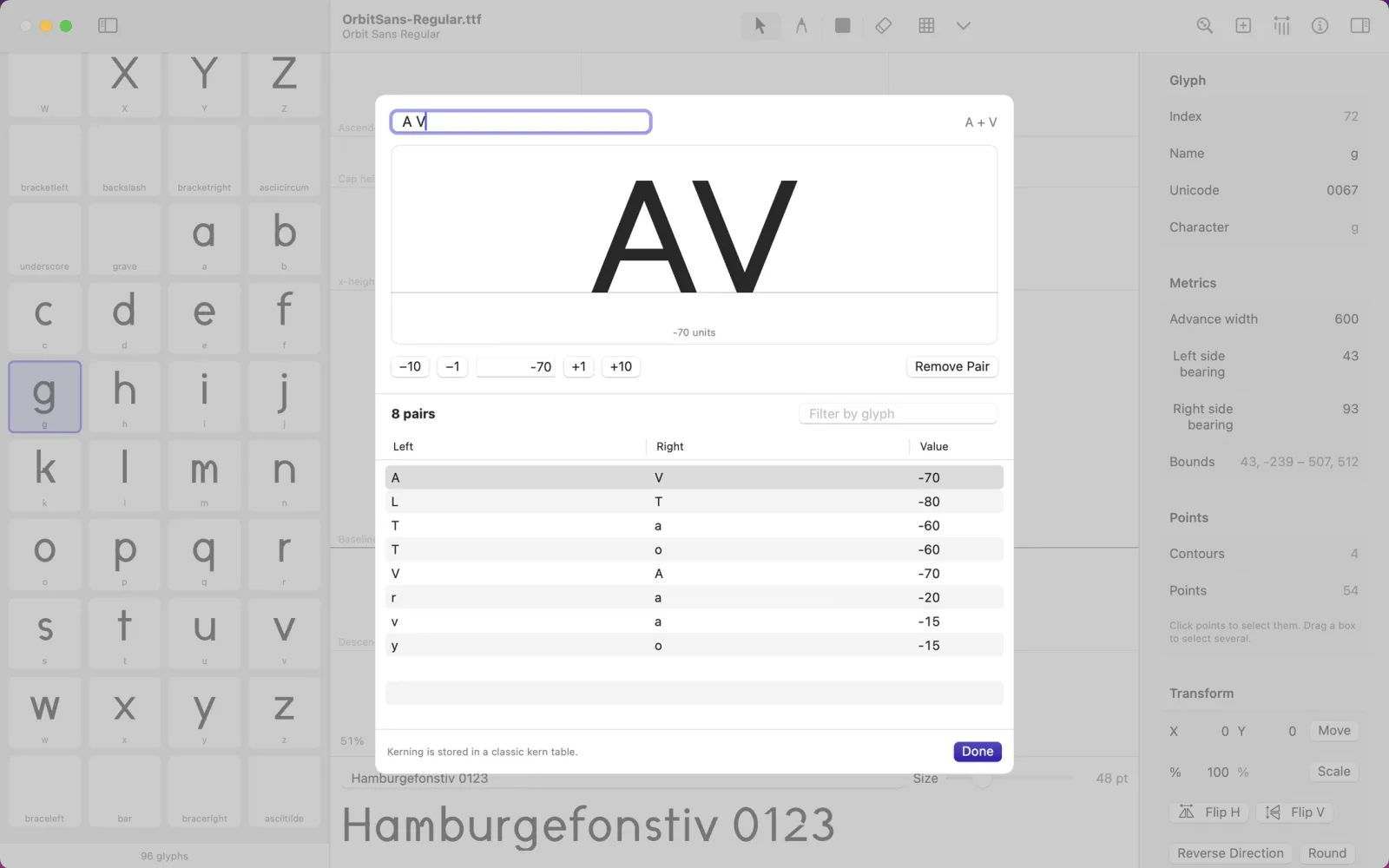
Kerning you can see
Type a pair, watch it at a large size, and tighten or loosen it with a click. Or right-click any letter in the preview line to kern it against its neighbor. Glyphwright reads and writes both classic kern tables and OpenType GPOS kerning.
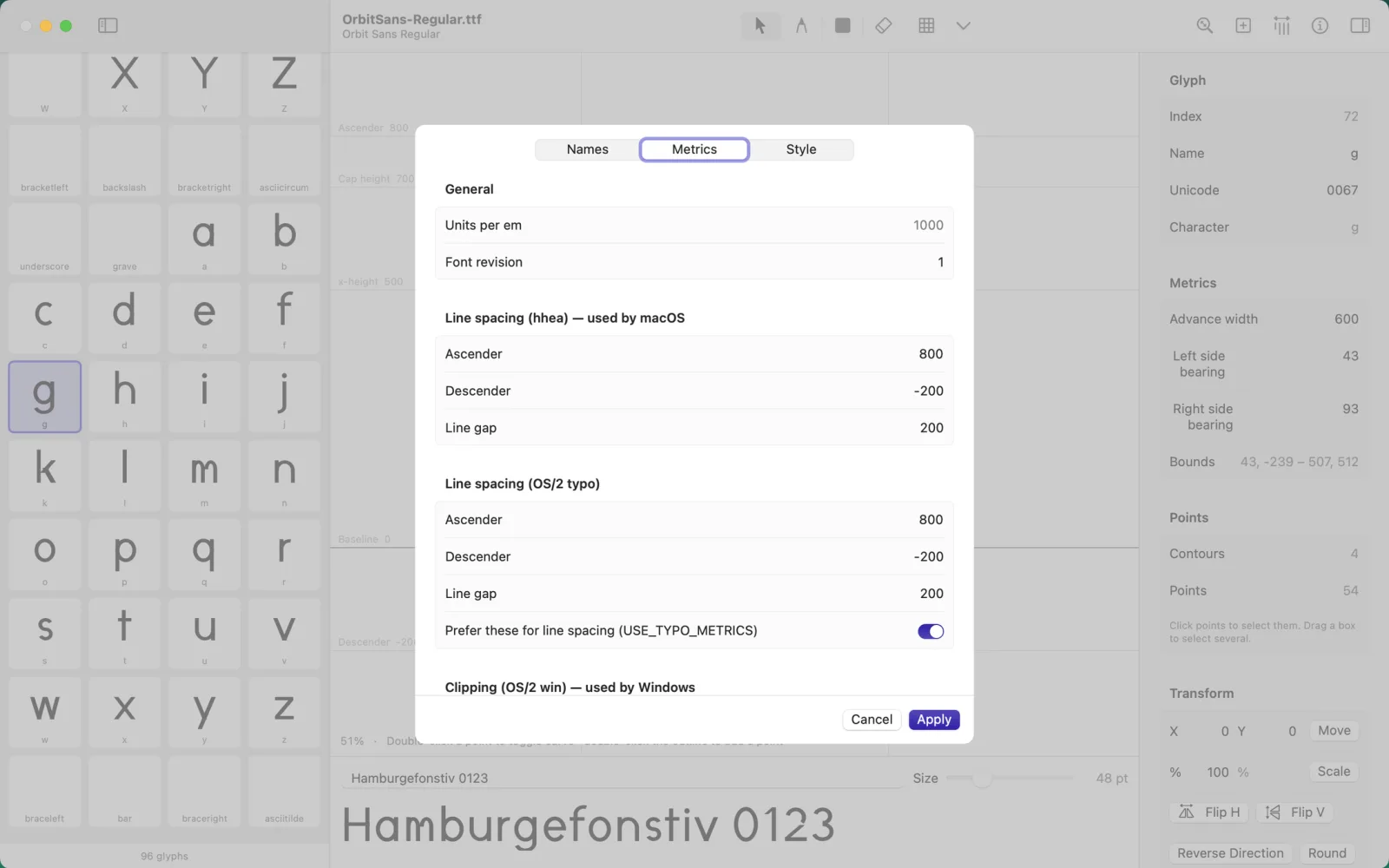
Names and line spacing
Set the family and style names, version and copyright, plus the line spacing values macOS and Windows use, x-height and cap height, weight, width and embedding permissions.
New fonts start ready to draw
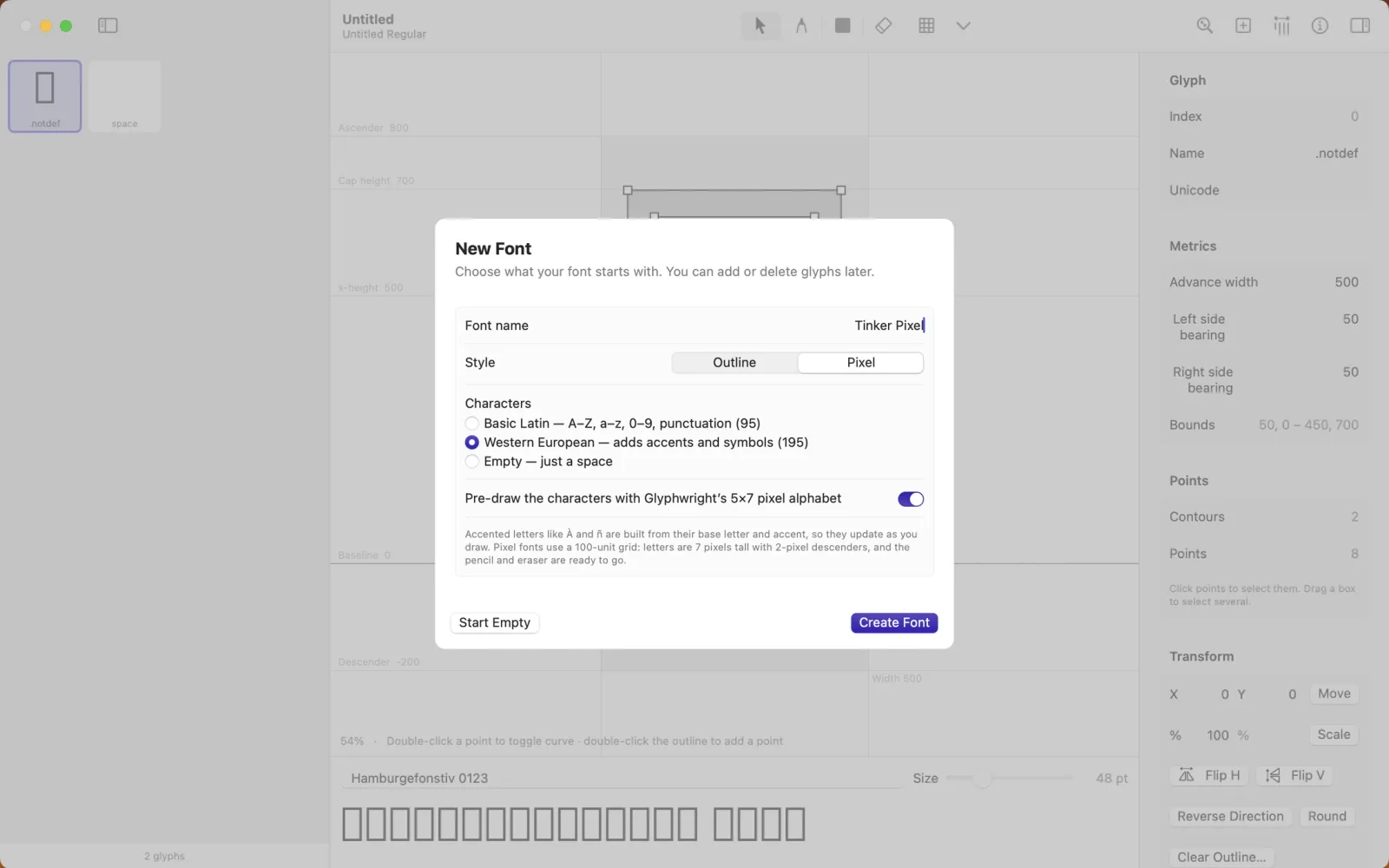
Begin with Basic Latin or the full Western European set, already named and mapped. Accented letters are built from their base letters, so they update as you draw. Pick the pixel style and Glyphwright can even pre-draw every character in its own 5×7 alphabet.
Good to know
Private by design
Glyphwright works entirely on your Mac. No account, no analytics, no network connections. It opens only the files you choose. See the privacy policy.
Buy once
One purchase on the Mac App Store. No subscription, no in-app purchases, and updates are free.
Before you buy
- Saves TrueType (.ttf) files. It opens .otf files only when they use TrueType outlines; PostScript-based .otf fonts, .ttc collections and WOFF files aren’t supported.
- Kerning is the only OpenType feature you can edit. Other features are kept as they are.
- Variable fonts open, but editing their outlines or widths saves a regular, single-style font. Glyphwright warns you first.
Questions?
Email us before or after you buy. Include your macOS version, and the font if something looks wrong.