PCD Viewer.
Open your Kodak Photo CDs on a modern Mac and convert them to JPEG, TIFF, PNG or BMP, a whole disc at a time.
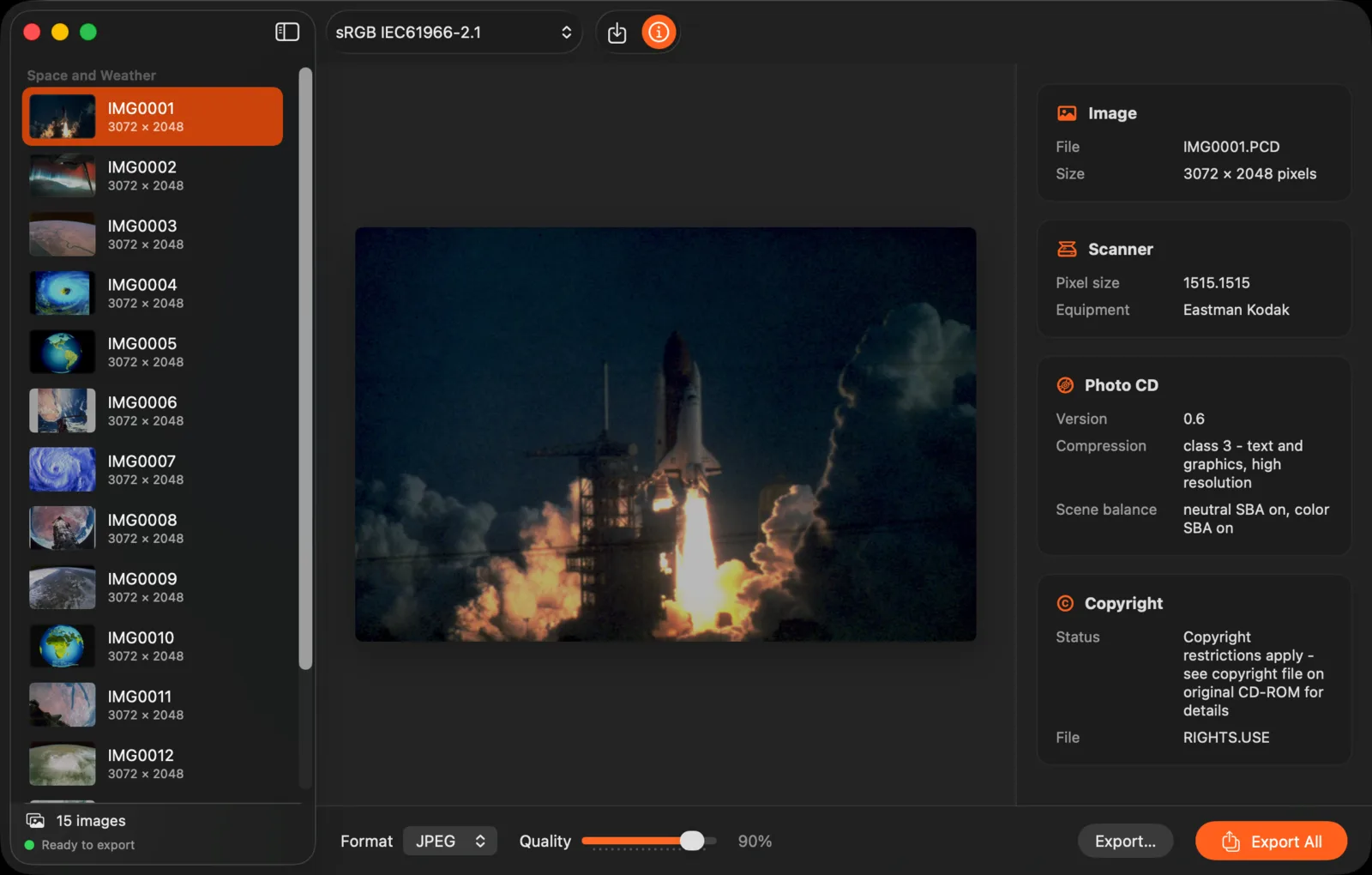
A whole Photo CD in one window
Drop in a disc’s PHOTO_CD folder and every image appears in the sidebar as it’s decoded, at the full 3072 × 2048. The decoder keeps the highlights and colours of the original scan, and the scan details are a click away: film, scanner and Photo CD information.
Convert the whole disc at once
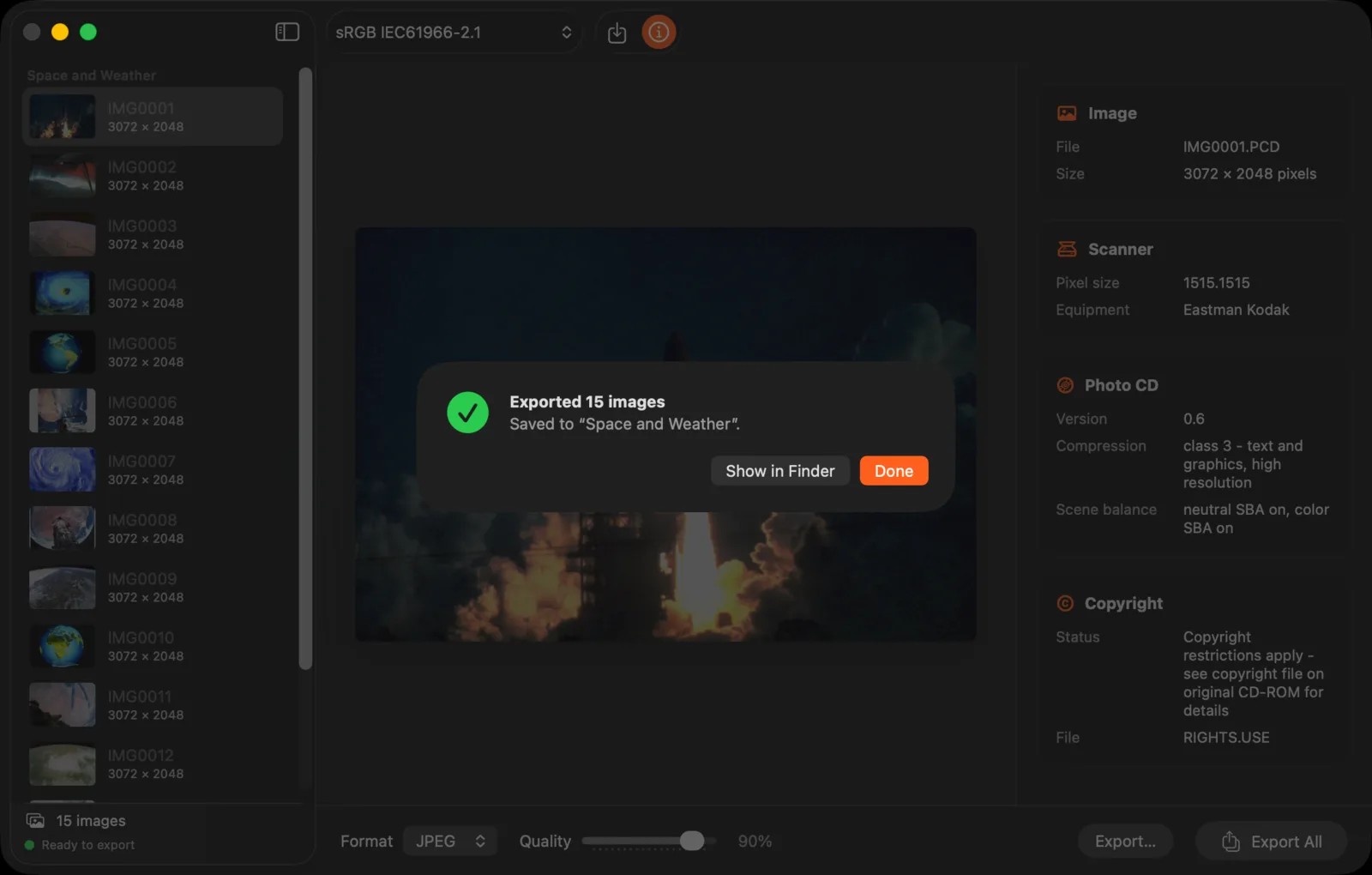
Export All writes every image to one folder as JPEG, TIFF, PNG or BMP. Files with the same name get a number instead of being replaced, so two discs can share a folder. PCD Viewer remembers your folders, format and settings.
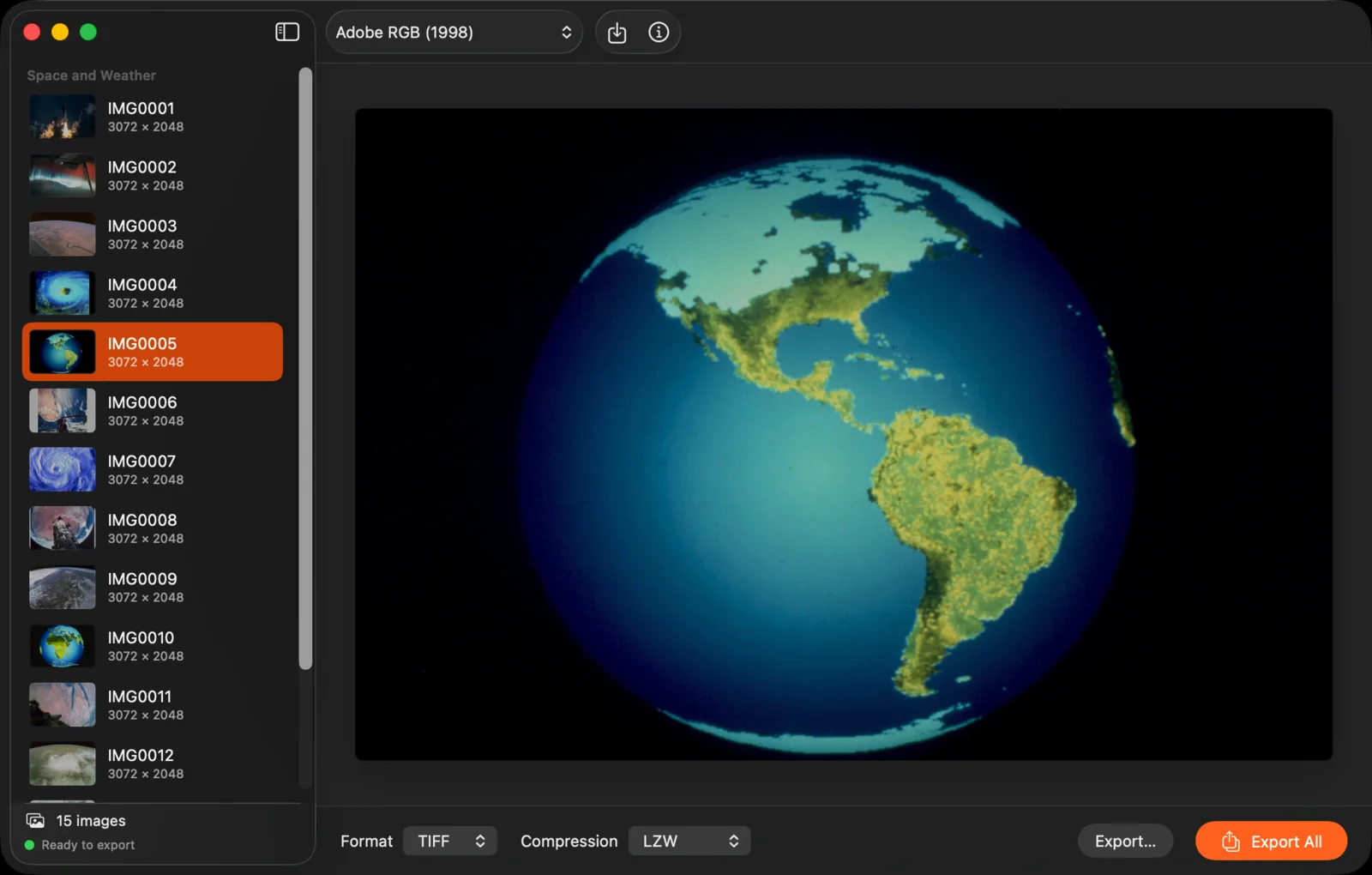
Colour you can trust
Choose sRGB for the web, or Adobe RGB, Display P3 or another installed profile for print and editing. Images are converted to it, not just relabelled, and the profile is embedded in every file, so they look the same in Photos, Preview and Photoshop.
Every disc
Opens from the Finder
Double-click a .PCD file, drop files or folders on the window or the Dock icon, or choose File › Import.
Old discs welcome
A file that can’t be read is skipped and named, and the rest of the disc still imports. Partly damaged files open at the best size they still hold.
Photo CD Pro
Reads 4096 × 6144 64Base images from Photo CD Pro discs when you import the whole disc, including its IPE folder.
Good to know
Private by design
PCD Viewer works entirely on your Mac. No account, no analytics, no network connections. It reads only the files you choose and never changes them. See the privacy policy.
Buy once
One purchase on the Mac App Store. No subscription, no in-app purchases, and updates are free. Already own PCD Viewer? Version 2.0 is a free update.
Since 2012
Version 2.0 is rebuilt for today’s Macs, Apple silicon included, with a new design, whole-disc export, colour profiles that convert properly, and fixes for issues reported in reviews.
Questions?
Email us before or after you buy. Include your macOS version, where your images came from (a Photo CD, a Pro disc or copied files), and what happened.